



Donald R
Pretty nice
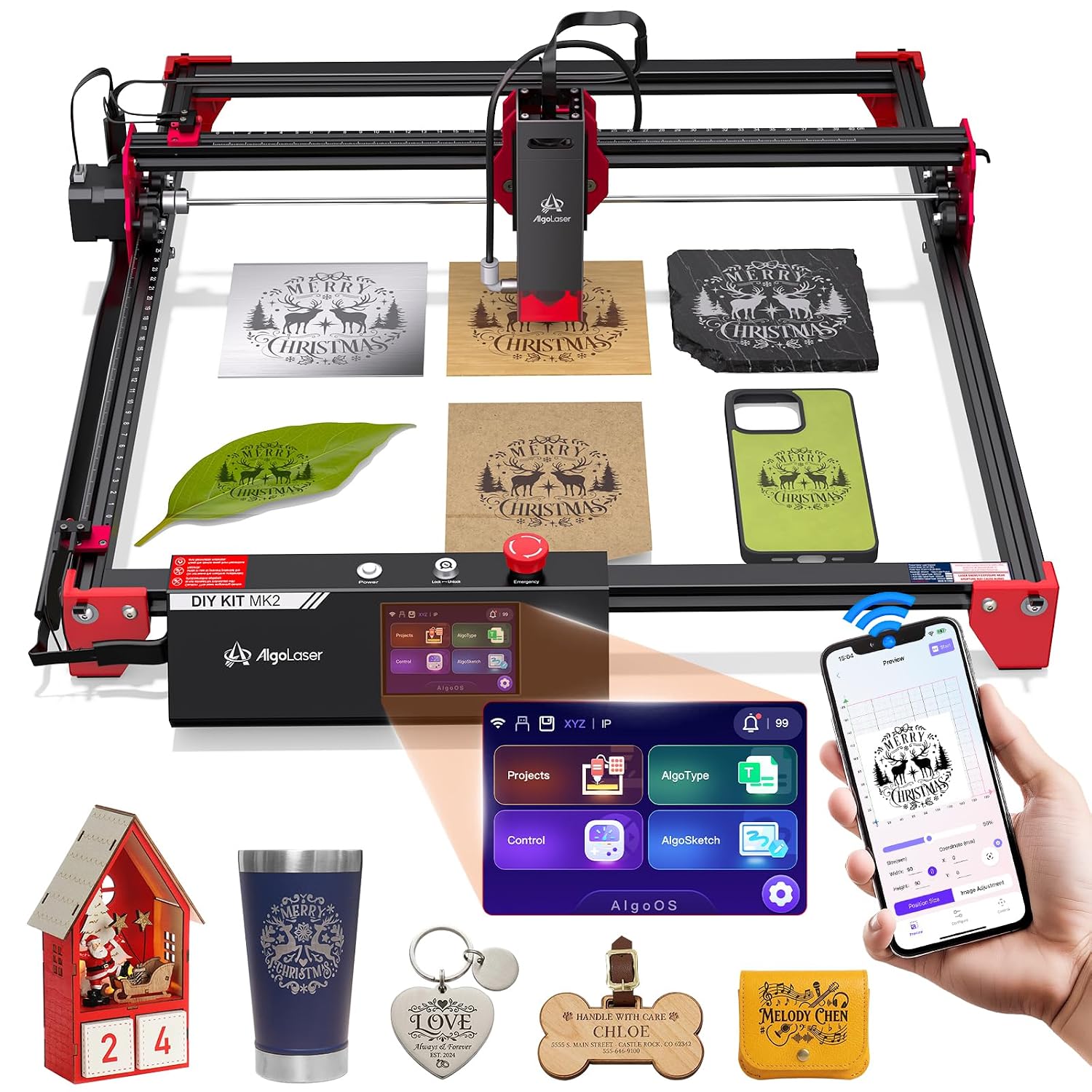
DIY KIT MK2 So far pretty nice, attaching to home network was completely intuitive, it even says on screen 2.4G only. Then when you go to another menu, your IP is on screen at the top. In lightburn make a profile, grbl, your ip and boom it actually worked. Easy peasy. It has a laser that's fan is not blaring when its not cutting, it even has limit switches. Watch there install video, combined with the well thought out manual and setup is pretty easy. Some exceptions to note. The feet are not anodized aluminum as in the video, plastic; they seem strong but plastic. Same with the mounts for the limit switches. The wiring loom is not the higher end woven type in the video, but rather split loom that is fast to put together, kinky and makes allot of noise when the machine is traveling and will be prone to hanging up. The Fancy clip to secure the laser cabling is not present on the 10W laser. Because they chose to use split loom, the cable management in the install video and no laser head wire management, this is not nearly as slick in reality as the video presents it. For the Y Axis this has the 3 wheel roller, not the four in the video. Things that caught my eye, the laser head and cabling to seem pretty well thought out and beefy. The controller seems to be pretty modern and thought out. Aside from the plastic legs and loom use, this laser is like the next generation to my other laser. Compared to my other 10W laser that cant be named for unknown amazon reason, firmware does not work with lightburn (there working on it), fan on laser is always blaring, it does have taller aluminum feet, the control panel is old and clunky, does not come with limit switches, instructions are terrible, does have a better cabling loom (that I had to rebuilt as there limit switch kit was all wrong), is also a 24volt model and a current competitor with the MK2, choose the mk2 unless you need the beefier feet and corner construction that you can add a bit of angle iron to and bolt it down a